

1. Select Pay, then select the appropriate gift card
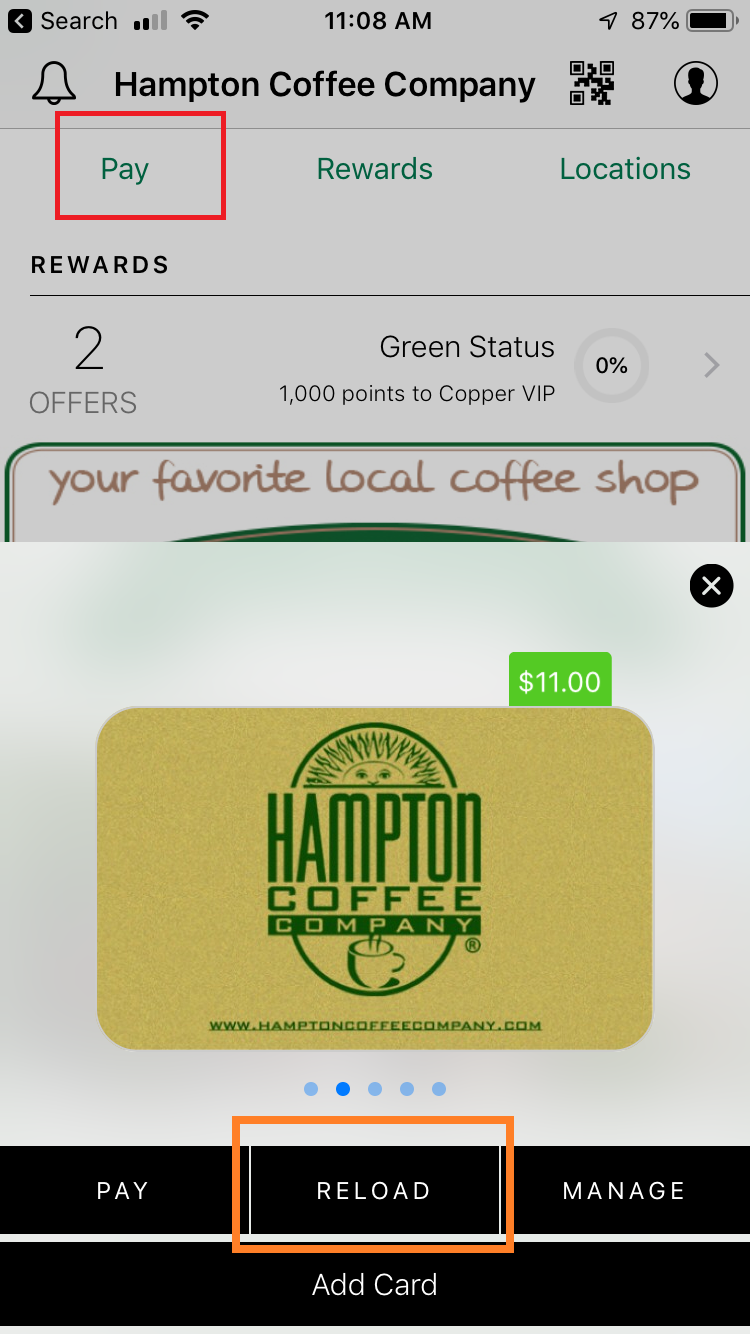
2. Select Reload,
3. Select Payment Method.
4. Select Add Credit Card (a new card form will pop up, do not enter info, just close the popup at top right). You will see your current card on file.

5. Click on the red X. You will be prompted to delete the card.
Note: selecting the back button will show exiting card info but will be cleared out upon accessing the screen again.

6. Click "Yes" to Confirm

Comments