

Question
How do I adjust the status level settings
Answer
Step 1. Login to CCP.
https://ccp.mobileappsuite.com
Step 2. Click on the "Marketing" tab under control panel.
Step 3. Click on "Rewards".
Step 4. Click on "Status Settings".
Step 5. Once in "Status Settings" you can edit, delete and add a status level.
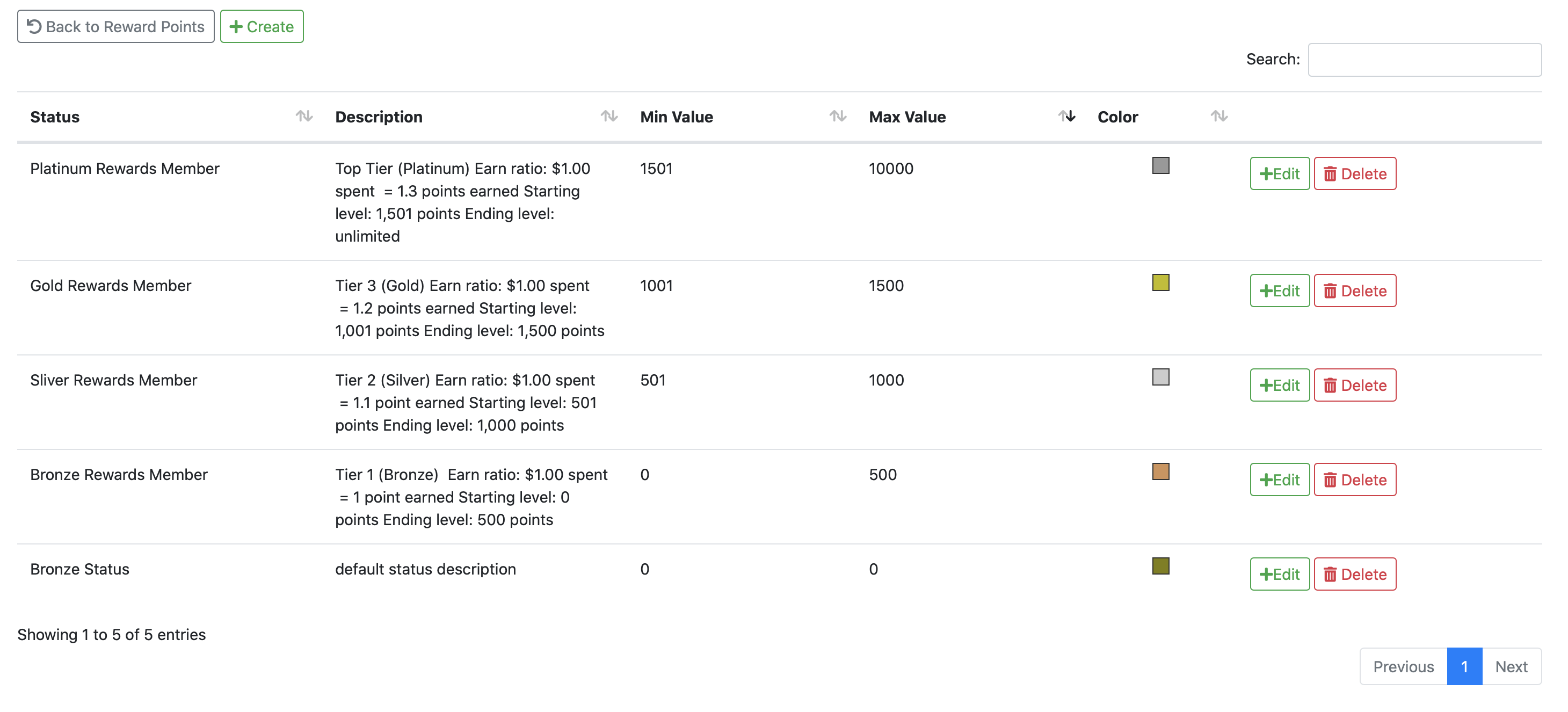
*Note - if you edit/add a level tier you can change the min/max value for points and change the status title, description and color for the tier.
Comments