
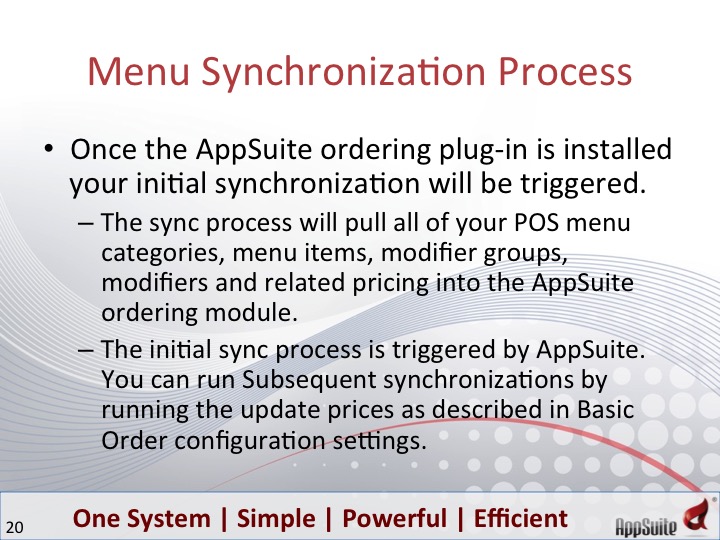
This article explains the process of how/when your menu data is pulled in and kept up-to-date from your POS.
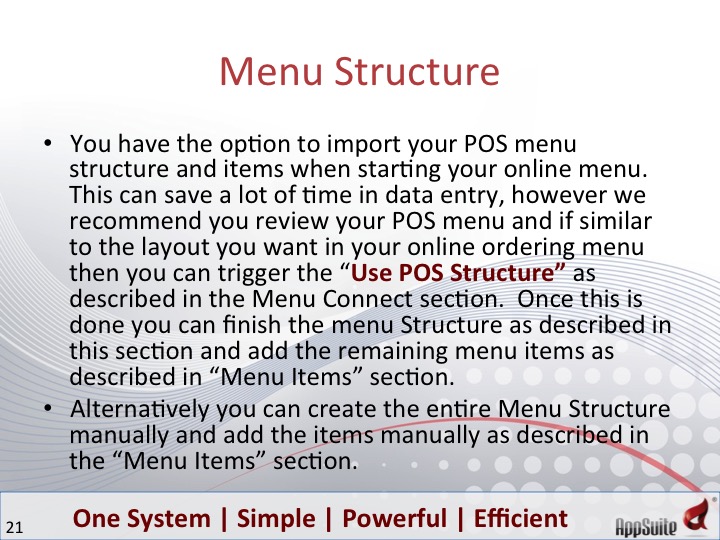
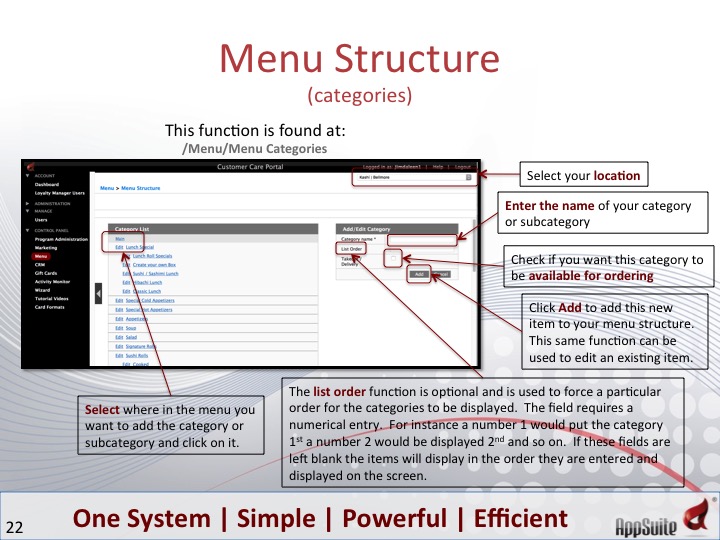
From the Control Panel on the left, you can navigate to the Menu Structure module by Menu => Menu Structure. Here you will create the structure of your menu.
example:
Lunch Menu => Appetizers
=> Burgers
Dinner Menu => Appetizers
=> Main Dishes
=> Desserts
Later we will show you how you then apply menu items to this structure.
Here is where you add/edit menu items to the system where we assign it to a category/sub category (explain above) as well as add the details about the menu item that your customers will see when they order from your app and/or website.
This module is located: Control Panel => Menu => Menu Items
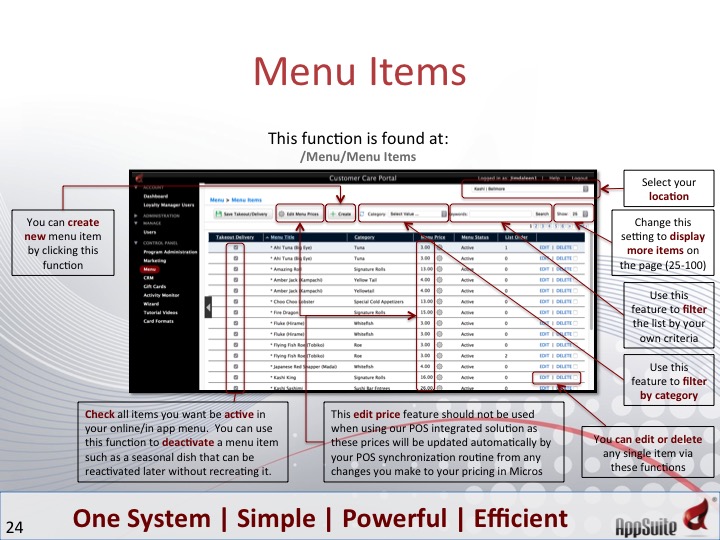
Here are the details of a menu item and the options you have when configuring.
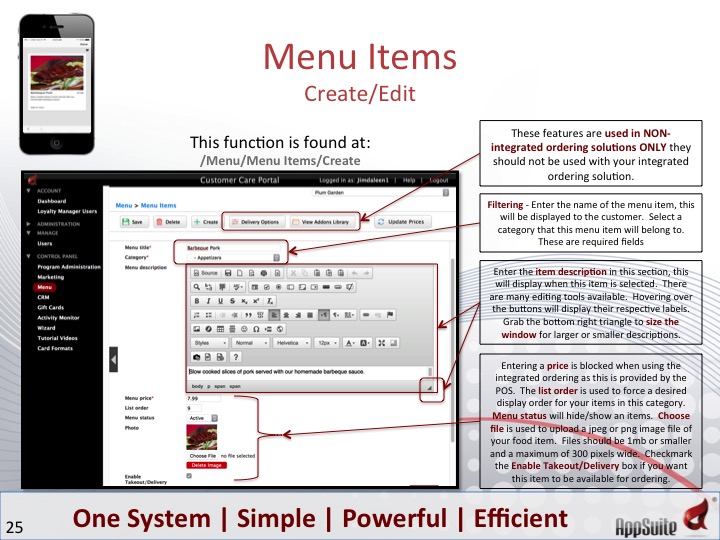
See next chapter:Menu Connection and Modifiers
Comments